
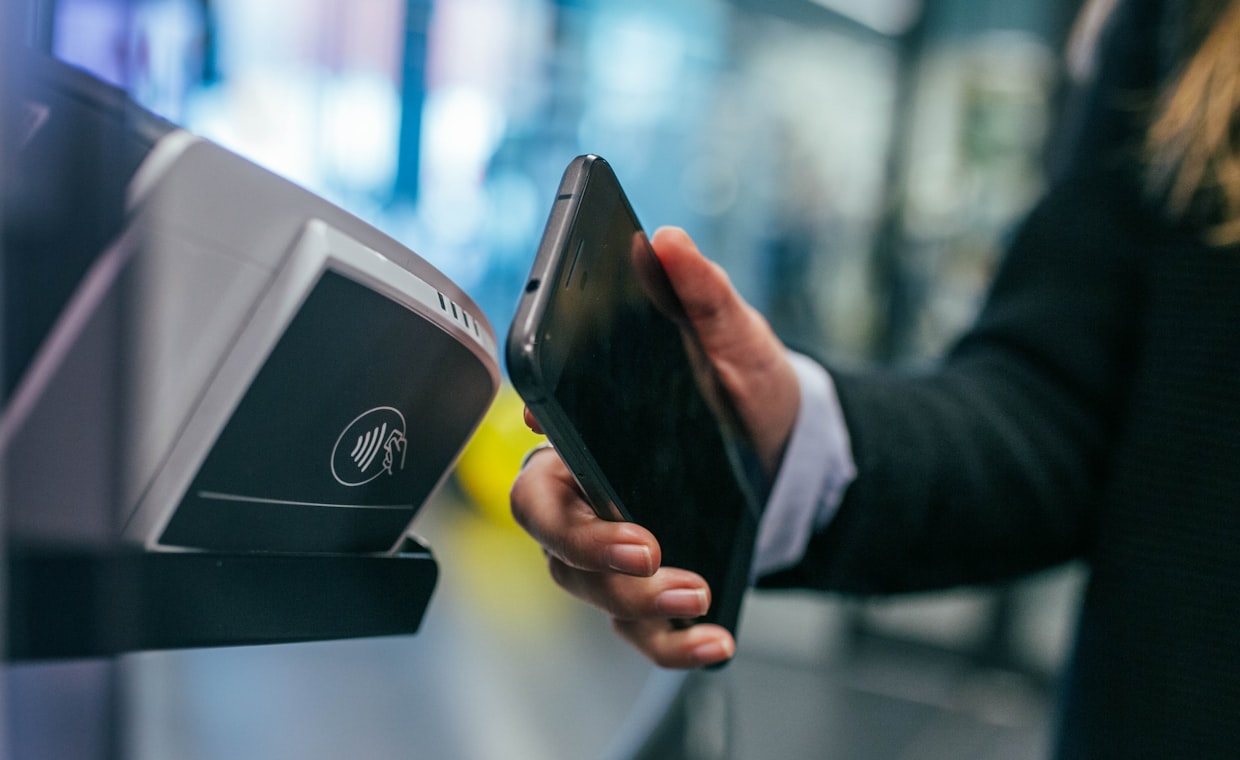
Picture four friends at a taco place, splitting a $68 bill. One person taps their phone, the money lands, and everyone moves on before the chips are even gone. That is the whole promise of peer-to-peer payment apps, and it mostly holds up.
The trouble starts when you assume the three big names work the same way. They do not. Zelle, Venmo, and Cash App each move money fast, but they treat your cash, your privacy, and your mistakes in ways that can surprise you at the worst possible moment.
I have watched people send rent to the wrong phone number and spend a week trying to claw it back. So let me walk through what separates these apps, and give you a simple rule for which to open when.
The one-line difference
Here is the short version. Zelle pushes money directly between two bank accounts and does not hold a balance. Venmo and Cash App both keep a balance inside the app, and they layer extra features on top, from debit cards to bill splitting to buying a slice of a stock.
That single distinction drives almost everything else. Because Zelle rides on your bank's own rails, the money is usually gone the instant it clears. Because Venmo and Cash App hold funds, they offer more flexibility, but with quirks around fees and timing.
Zelle: fast, bank-to-bank, and unforgiving
Zelle is baked into the app of most major banks and many smaller ones. You do not download a separate wallet or fund an account. You pick a contact, enter an amount, and the money leaves your checking account and lands in theirs, often within minutes.
That speed is the selling point and the risk. A Zelle transfer between enrolled users is designed to be irreversible, a lot like handing someone cash. There is no holding period where you can hit undo, and no in-app balance acting as a buffer.
One more thing to check: whether your specific bank supports Zelle at all. Availability varies, and it can differ between online vs traditional banks. A few smaller institutions still are not on the network, so confirm inside your banking app before you count on it.
Venmo: the social wallet
Venmo, owned by PayPal, is the one your friends probably nudge you toward. It keeps a balance in the app, shows a feed of who paid whom (minus the dollar amounts unless you change settings), and makes splitting a group tab genuinely easy.
Money someone sends you lands in your Venmo balance. From there you can spend it with the Venmo debit card, send it onward, or move it to your bank. A standard bank transfer is free but takes 1-3 business days. An instant transfer to your debit card costs a percentage fee, usually small but not zero.
Venmo also offers optional purchase protection when you tag a payment as being for goods and services, which adds a fee but gives you some recourse if a seller flakes. For personal payments between friends, there is no fee to send from your balance or linked bank account.
Cash App: banking-lite with a card and investing
Cash App, from Block, pushes furthest past simple payments. Alongside sending money by $Cashtag, it offers a free debit card called the Cash Card, direct deposit for your paycheck, and the ability to buy fractional shares of stock or bitcoin right in the app.
Like Venmo, it holds a balance. Standard cash-outs to your bank are free and take a day or so, while instant cash-outs carry a small fee. Sending money to friends from your balance or a linked debit card is free.
The investing and bitcoin features make Cash App feel like a starter financial account for people who do not want a full bank. That said, storing real money in any payment app is different from keeping it in an insured bank account, so read the fine print.
Side by side
| Feature | Zelle | Venmo | Cash App |
|---|---|---|---|
| Holds a balance | No, bank to bank | Yes | Yes |
| Typical speed | Minutes | Instant balance, 1-3 days to bank | Instant balance, ~1 day to bank |
| Cost to send to a friend | Free | Free from balance or bank | Free from balance or debit |
| Instant cash-out fee | Not applicable | Small percentage | Small percentage |
| Buyer protection | Essentially none | Optional, for goods and services | Limited |
| Debit card | No | Yes | Yes |
| Extras | None | Social feed, splitting | Stocks, bitcoin, direct deposit |
When to use which
Reach for Zelle when you are paying someone you know and you want the money in their actual bank account fast. Rent to a trusted landlord, your share of a group gift, paying back a friend. It is clean, free, and quick.
Reach for Venmo when the payment is social or when you want light protection on a purchase from a small seller. The splitting tools and the option to tag a payment for goods and services earn their keep here.
Reach for Cash App when you like the idea of a card, direct deposit, and dabbling in stocks or bitcoin from the same screen. It is the closest of the three to a lightweight account.
Peer-to-peer apps are built for everyday amounts. For a home down payment, a car, or anything into five figures, use a proper bank transfer instead. That is where understanding wire vs ach transfers matters, since those methods carry clearer records and, in the case of a wire, near-instant settlement for large sums.
Safety rules that apply to all three
No matter which app you pick, a few habits keep you out of trouble. Treat every transfer as if it cannot be reversed, because often it cannot. Double-check the phone number, email, or $Cashtag before you hit send.
Ignore anyone who pressures you to pay a stranger "to verify your account" or to release a prize. That is the shape of nearly every payment-app scam. Real support will never ask you to send money to yourself or to a random handle.
Turn on every lock the app offers: a PIN, fingerprint, or face recognition, plus notifications for each transaction so a wrong charge does not sit unnoticed. And keep only what you need in an app balance. If you want your everyday cash somewhere safer and interest-earning, that decision belongs with your main account, which is worth thinking through when you how to choose bank for the long haul.
Quick recall: Zelle is bank-to-bank and best for trusted people. Venmo is social with optional purchase protection. Cash App is the feature-heavy one with a card and investing. All three are for small, everyday amounts, not life-sized transfers.
Can I get my money back if I send it to the wrong person?
Usually no, especially with Zelle, where transfers between enrolled users are treated as final. Venmo and Cash App may help if the money is still unclaimed, but there is no guarantee. Always verify the recipient before sending.
Is money in Venmo or Cash App insured like a bank account?
Funds sitting in an app balance are not automatically protected the way an insured checking account is. Some features may pass through to an insured partner bank, but coverage depends on the setup. To be safe, move balances you are not spending soon into your own bank.
Do these apps charge fees?
Sending to friends from your balance or a linked bank account is generally free on all three. You pay a small percentage only when you want an instant transfer to a debit card, or when a payment is tagged for goods and services on Venmo.
Pick the app that fits the moment and keep your habits tight. For me it is Zelle when I am paying someone I trust, Venmo when the group chat is settling up, and Cash App when I want the card and a little investing on the side. Keep balances lean, verify before you send, and save the serious money for a real bank transfer.